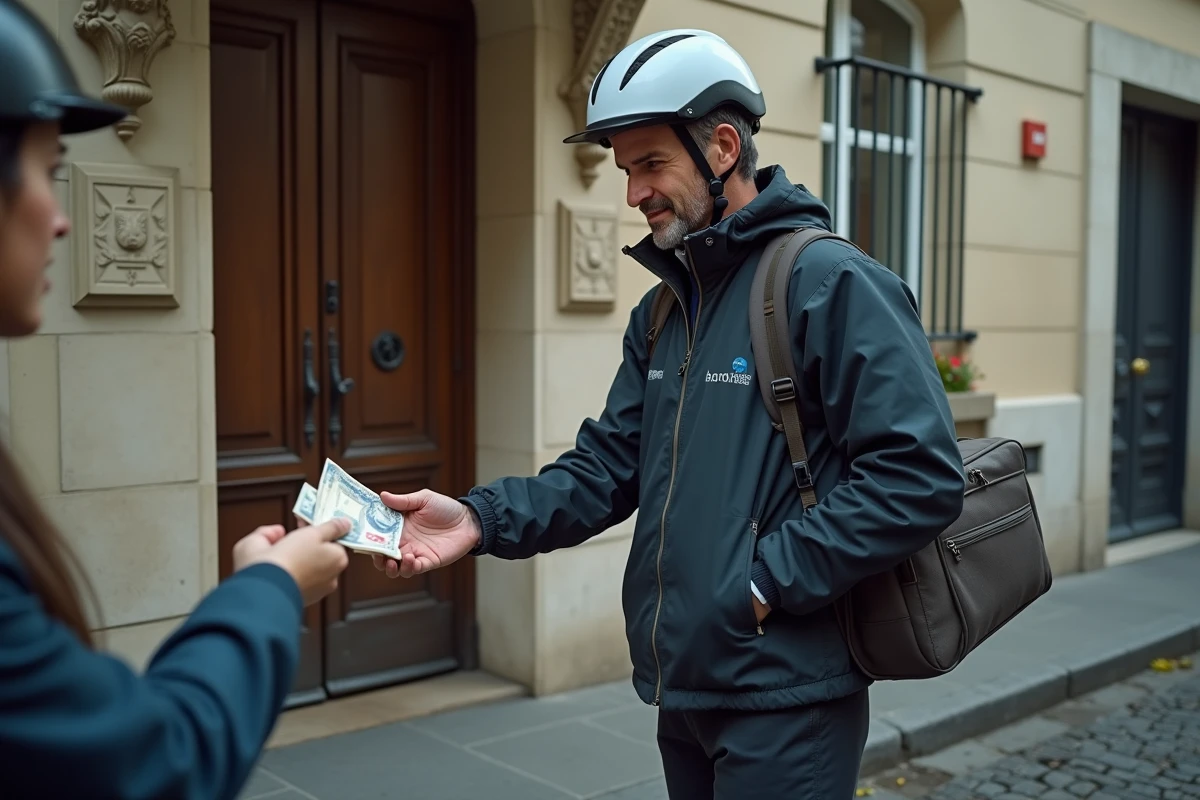
Cash payment on Uber Eats refers to the ability to pay for your order directly to the delivery person, in cash, at the time of receipt. This option is not enabled by default in the app and depends on specific geographical criteria defined by the platform.
Geographical area and cash payment on Uber Eats: a technical prerequisite
Before any manipulation in the app, one point conditions access to this feature: the location of the user account. Cash payment is not offered in all countries or in all cities. Uber rolls out this option market by market, based on criteria related to local consumption habits and logistical constraints imposed on delivery personnel.
The pilot project was launched in Mumbai in 2017, in a context where cash remained the dominant means of transaction. Since then, the option has expanded to several countries in Asia, Latin America, and Africa. In Europe, availability remains limited and varies by city.
Specifically, if the option does not appear in the payment methods of your app, it means your area is not eligible. No settings or requests to support can bypass this restriction. To understand how to enable cash payment on Uber Eats in covered areas, the procedure goes through the order screen itself.
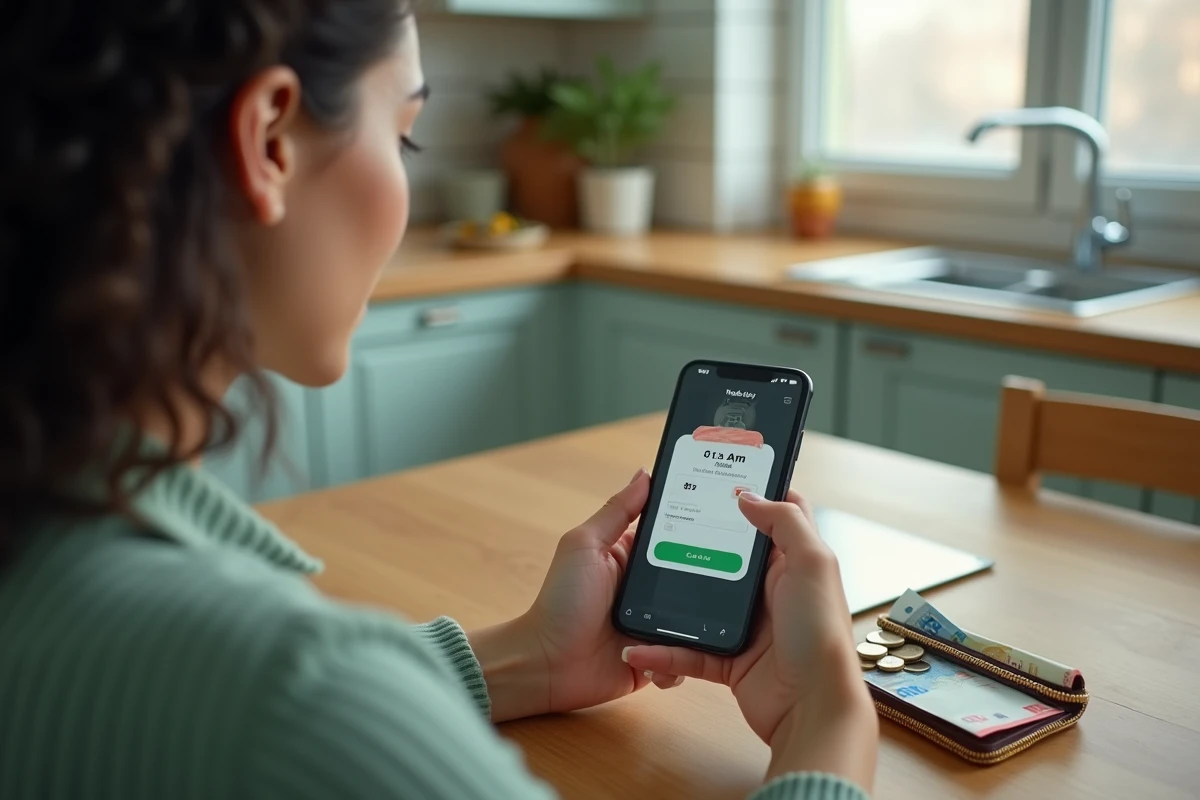
Activating cash payment in the Uber Eats app
Activation occurs at the time of placing an order, not in the general account settings. This distinction often causes confusion.
Steps in the app
- Open the Uber Eats app and select the restaurant and desired items, then go to the order confirmation screen.
- Tap on the “Payment Method” section displayed under the summary. If your area is eligible, the “Cash” option appears in the list, alongside credit card and PayPal.
- Select “Cash,” then confirm the order. The total amount will display on the screen, and the delivery person will be informed that they will need to collect payment upon delivery.
The choice of cash payment is linked to the current order. For a future order, you will need to reselect this method if you wish to pay in cash again.
Amount and change
Uber recommends that customers have the exact amount ready. The delivery person has no contractual obligation to have change. In practice, couriers who accept cash deliveries often keep a small cash fund, but this is not guaranteed.
An exact amount given to the delivery person avoids any disputes and speeds up the transaction. If a disagreement arises over change, reporting goes through the app, via the help section related to the specific order.
Concrete constraints of cash payment for the delivery person and the customer
Cash payment alters the usual delivery dynamics. For the delivery person, accepting cash orders means managing a cash balance that will be deducted from their future payments by Uber. The app automatically calculates the difference between the amounts collected in cash and the earnings due to the courier.
This mechanism creates a particular situation: if the delivery person accumulates too much cash compared to their deliveries, Uber may temporarily suspend their access to new orders until the balance is regularized. The courier must then make a transfer or wait for the system to balance the accounts.
For the customer, the main constraint remains the obligation to be physically present at the time of delivery. The options “leave at the door” or “drop off at reception” become incompatible with cash payment, as the exchange of money requires direct contact.
Alternatives to cash payment on Uber Eats
For users who wish to avoid registering a credit card in the app, two alternatives are worth considering.
Uber Cash and gift cards
Uber Cash works like a prepaid wallet integrated into the app. The balance is funded by purchasing Uber gift cards, available online or at certain physical stores. Once the credit is loaded, it is automatically deducted from the amount of each order.
This option is suitable for users who prefer to manage their budget without linking a bank account to the platform. The Uber Cash balance is shared between Uber services (ride-hailing and Uber Eats).
PayPal as an intermediary
Linking a PayPal account to Uber Eats allows payment without directly entering bank details into the app. PayPal acts as an intermediary layer between the bank account and the platform. This method retains the advantages of cashless payment (contactless delivery, transaction history) while limiting exposure of banking data.
The choice between cash, Uber Cash, and PayPal primarily depends on geographical availability and each user’s comfort level with digital tools. In areas where cash payment is not offered, gift cards remain the only way to order without a registered credit card.